
这几天,可灵突然又好起来了!因为前两天发布了可灵O1,号称视频版 Banana!
像前几天爆火的Tim 变身为各种人物,我们可以轻松使用可灵O1 进行实现。
首先的话,我们需要一个人物视频:
然后我们就 AI 帮我们把人物先变成蝙蝠侠,再变成美国队长:

变身是不是非常丝滑?!
另外,最近不是疯狂动物城 2 也十分爆火吗?我们也直接和朱迪、尼克来波联动。
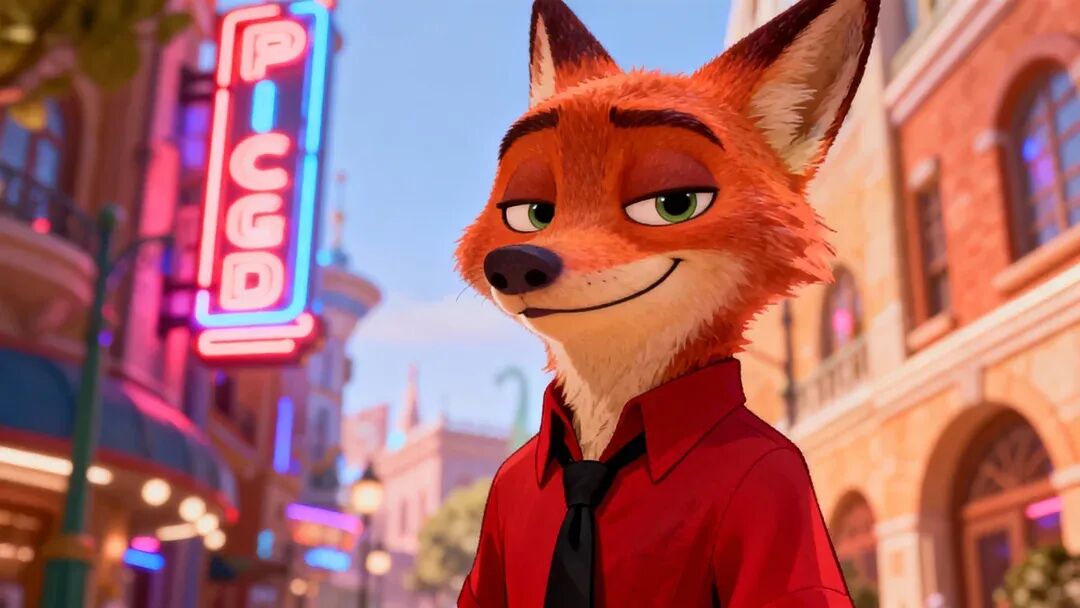
首先我们找到朱迪、尼克的照片:

视频我们就用刚刚那个:
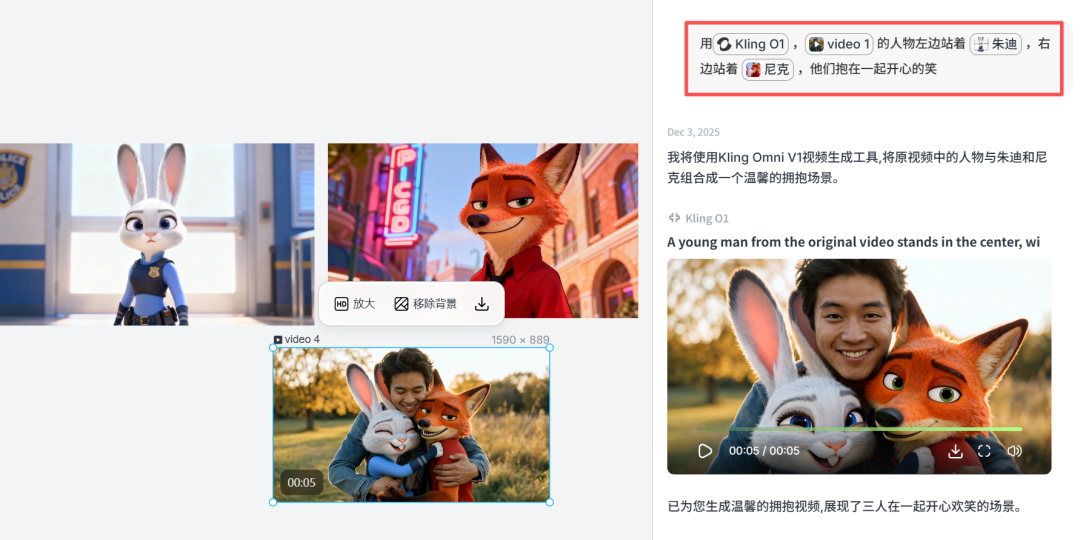
不得不说,真实感直接拉满!
这时,有细心的小伙伴会发现,我这个可灵 O1 并不是在可灵官网使用的。
确实,这个是在 Lovart 中进行使用的,因为在 Lovart 中,可以同时使用多个模型进行联合操作,这样可以发挥出每个模型的优势。
1+1>2
特别是目前 Banana Pro 不是最强的图片模型吗?我们现在搭配下可灵 O1 模型来进行操作。
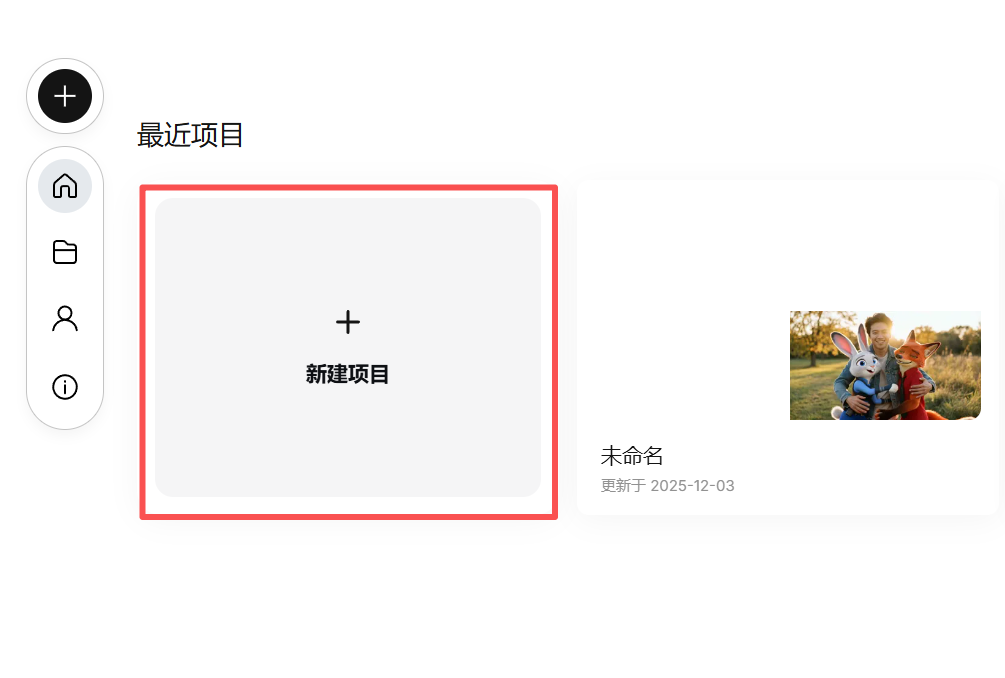
首先我们还是打开 Lovart 的官网:https://www.lovart.ai/
然后点击“新建项目”:
这里我就利用 Banana 超强一致性,让它帮我把一张图片变成多景别多角度的 9 张图片!
一图生万物!

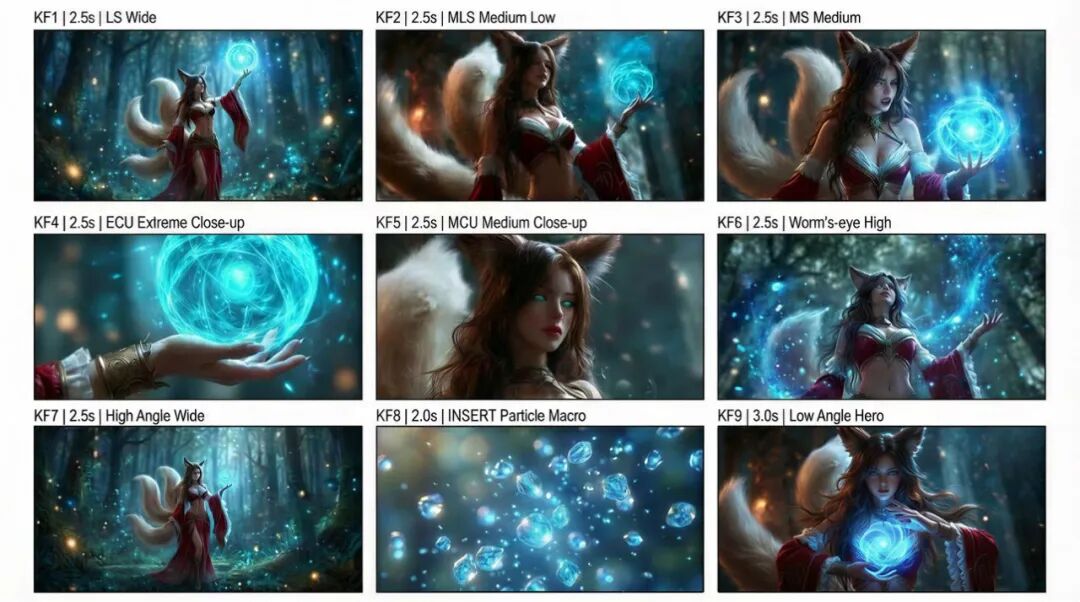
提示词在这,大家直接拿去用!
Analyze the entire composition of the input image. Identify ALL key subjects present (whether it's a single person, a group/couple, a vehicle, or a specific object) and theirspatial relationship/interaction.Generate a cohesive 3x3 grid "Cinematic Contact Sheet" featuring 9 distinct camera shots of exactly these subjects in the same environment. You must adapt the standard cinematic shot types to fit the content (e.g., if a group, keep the group together; if an object, frame the whole object):Row 1 (Establishing Context):1.Extreme Long Shot (ELS): The subject(s) are seen small within the vast environment.2.Long Shot (LS): The complete subject(s) or group is visible from top to bottom (head to toe / wheels to roof).3.Medium Long Shot (American/3-4): Framed from knees up (for people) or a 3/4 view (for objects).Row 2 (The Core Coverage):4.Medium Shot (MS): Framed from the waist up (or the central core of the object). Focus on interaction/action.5.Medium Close-Up (MCU): Framed from chest up. Intimate framing of the main subject(s).6.Close-Up (CU): Tight framing on the face(s) or the "front" of the object.Row 3 (Details & Angles):7.Extreme Close-Up (ECU): Macro detail focusing intensely on a key feature (eyes, hands, logo, texture).8.Low Angle Shot (Worm's Eye): Looking up at the subject(s) from the ground (imposing/heroic).9.High Angle Shot (Bird's Eye): Looking down on the subject(s) from above.Ensure strict consistency: The same people/objects, same clothes, and same lighting across all 9 panels. The depth of field should shift realistically (bokeh in close-ups).A professional 3x3 cinematic storyboard grid containing 9 panels.The grid showcases the specific subject(s)/scene from the input image in a comprehensive range of focal lengths.Top Row: Wide environmental shot, Full-body view, 3/4 cut.Middle Row: Waist-up view, Chest-up view, Face/Front close-up.Bottom Row: Macro detail, Low Angle, High Angle.
All frames feature photorealistic textures, consistent cinematic color grading, and correct framing for the specific number of subjects or objects analyzed.
有了九宫图后,我们就可以非常方便一键成片了!

就问你强不强!一张图即可成短片!
另外,可能有小伙伴有疑问,我这个可灵O1 是怎么指定的:
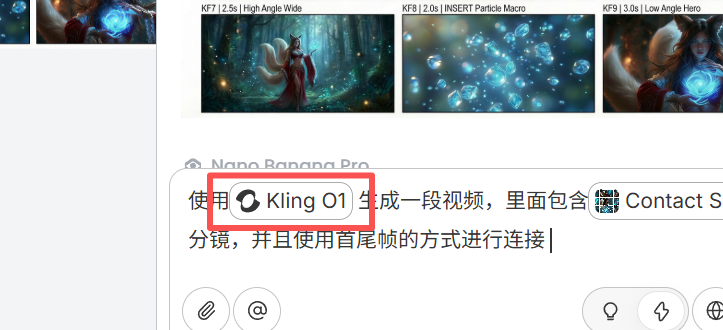
其实只要你输入@即可:
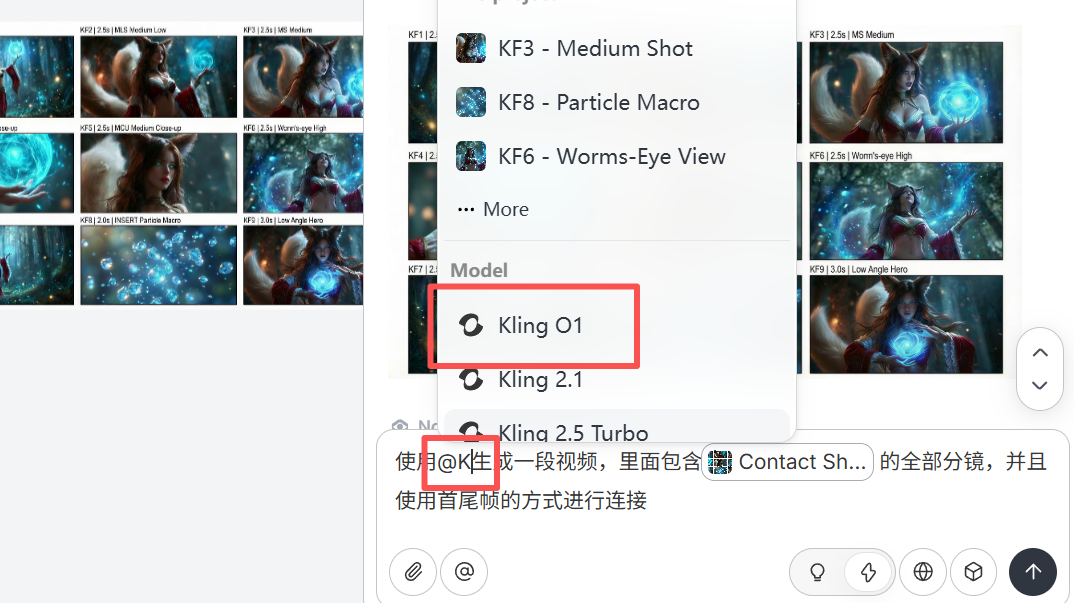
这样就可以直接指定你想要的视频模型了。
另外,Lovart 还有一个非常强大的“Touch edit”功能,其实就是能够非常精准的跟 AI 说明你选择的物品。
利用这个功能,我们就可以非常精准地让可灵O1识别出我们选择的物品。
就像下面的两张图,我们就可以这样操作:

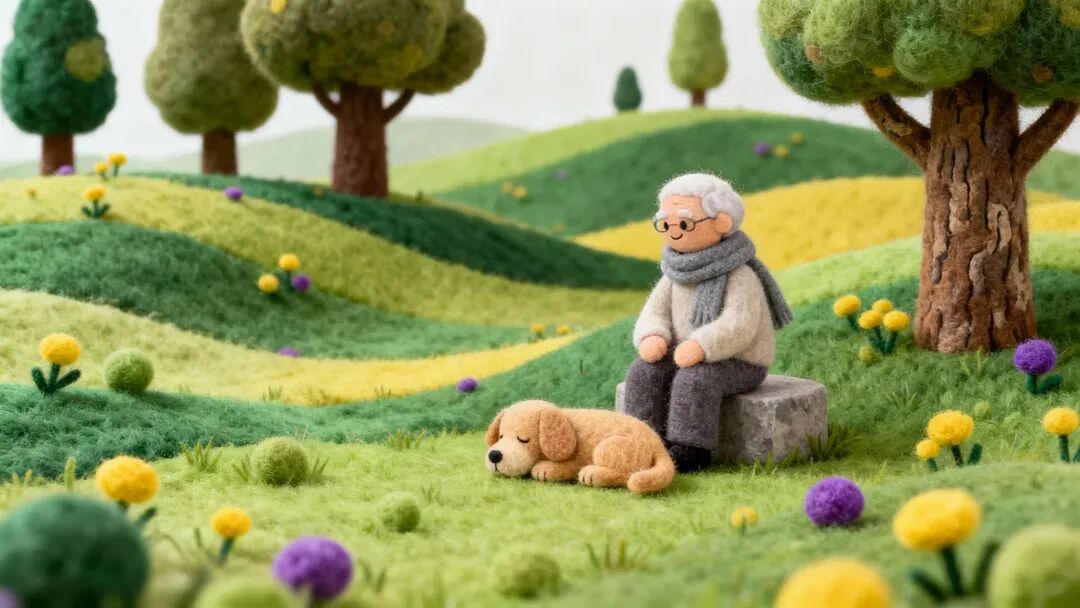

这样我们都不需要描述画面的内容了,直接 Mask 住就好了,特别是一些非常复杂的画面,这个功能更显得强大!
就像下面的图片内容这么多,但是,我们可以单独 Mask 自己想要的内容直接生成视频。


更多玩法就等待大家去探索了!
另外刚好 Lovart 有新的活动,限时 5 折优惠!最高可获得 365天 0 积分无限制使用 NanoBananaPro 和 Kling O1 的超值福利!

有需要的小伙伴可以考虑下,另外别忘了,Lovart 的官网在这:https://www.lovart.ai/
© 版权声明
文章版权归作者所有,未经允许请勿转载。