保姆级安装指南:Qwen Code与Claude Code一步到位
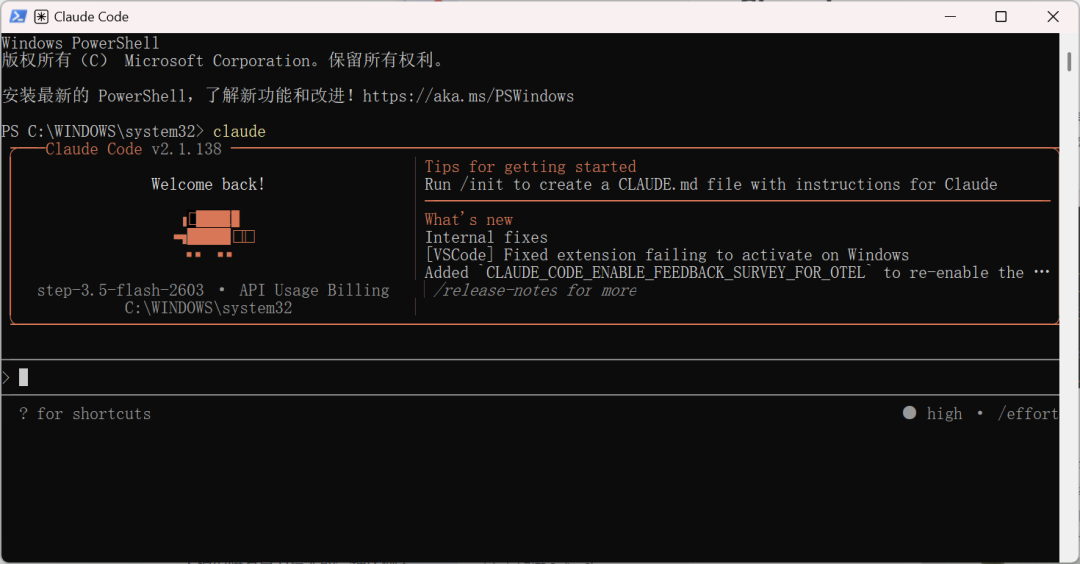
1. Claude Code安装
npm install -g@anthropic-ai/claude-code
# 将npm 全局目录重定向到用户目录# 切换到用户目录下,例如zhangsanmkdir.npm-global# 告诉npm 使用新的目录npm configsetprefix'.npm-global'# 将bin加到环境变量中,.bash_profile或者.zshrc(根据自身系统选择)echo'export PATH="$HOME/.npm-global/bin:$PATH"'>> .bash_profile# 刷新source.bash_profile
npm install -g@anthropic-ai/claude-code


2. Qwen Code安装
npm install -g@qwen-code/qwen-code@latest


3. 问题解决安装Claude Code时出现不支持的国家提示
UnabletoconnecttoAnthropic servicesFailedtoconnecttoapi.anthropic.com: ERR_BAD_REQUESTPlease check your internet connection and network settings.Note: Claude Code might not be available in your country. Check supportedcountries at https://anthropic.com/supported-countries
"hasCompletedOnboarding":true

© 版权声明
文章版权归作者所有,未经允许请勿转载。