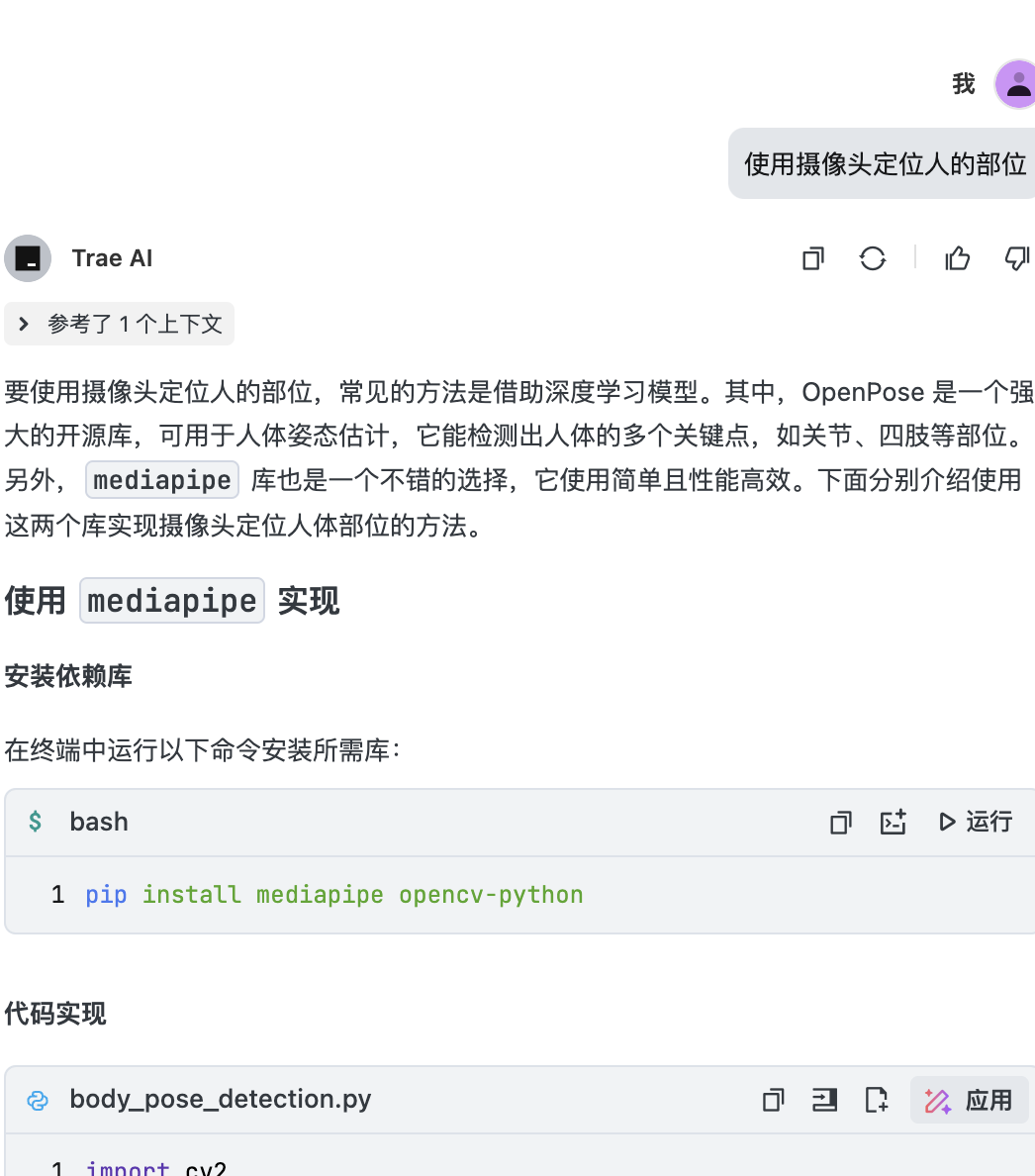
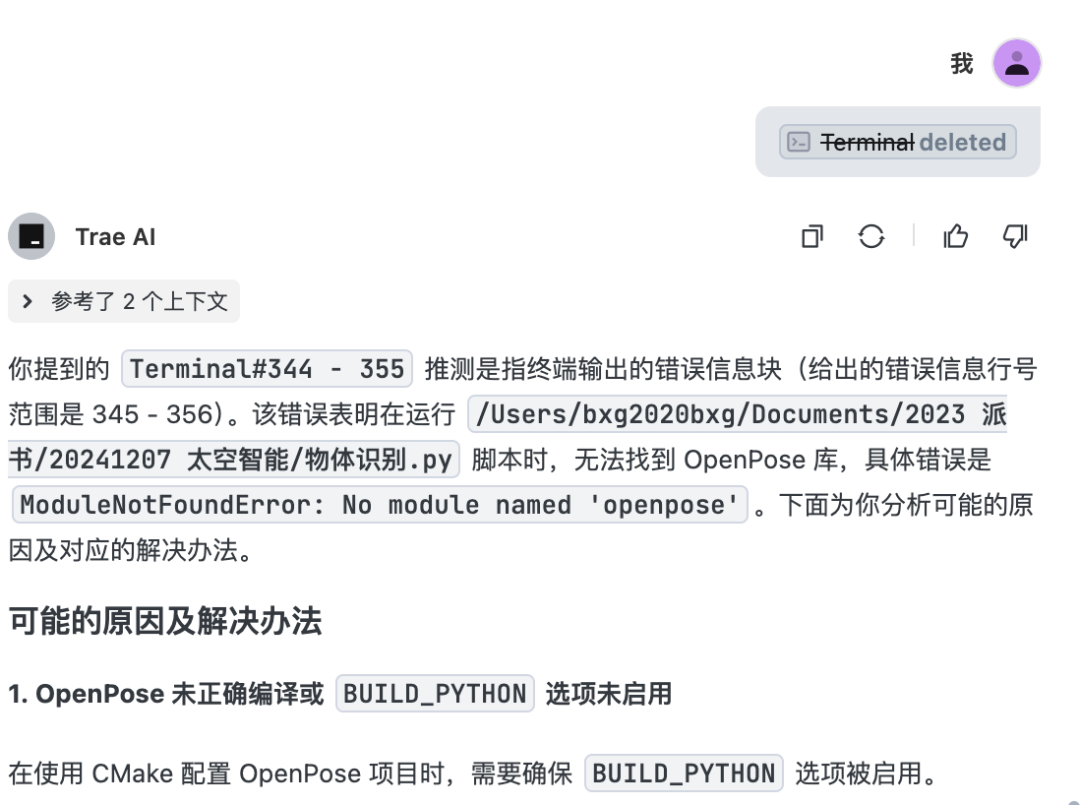
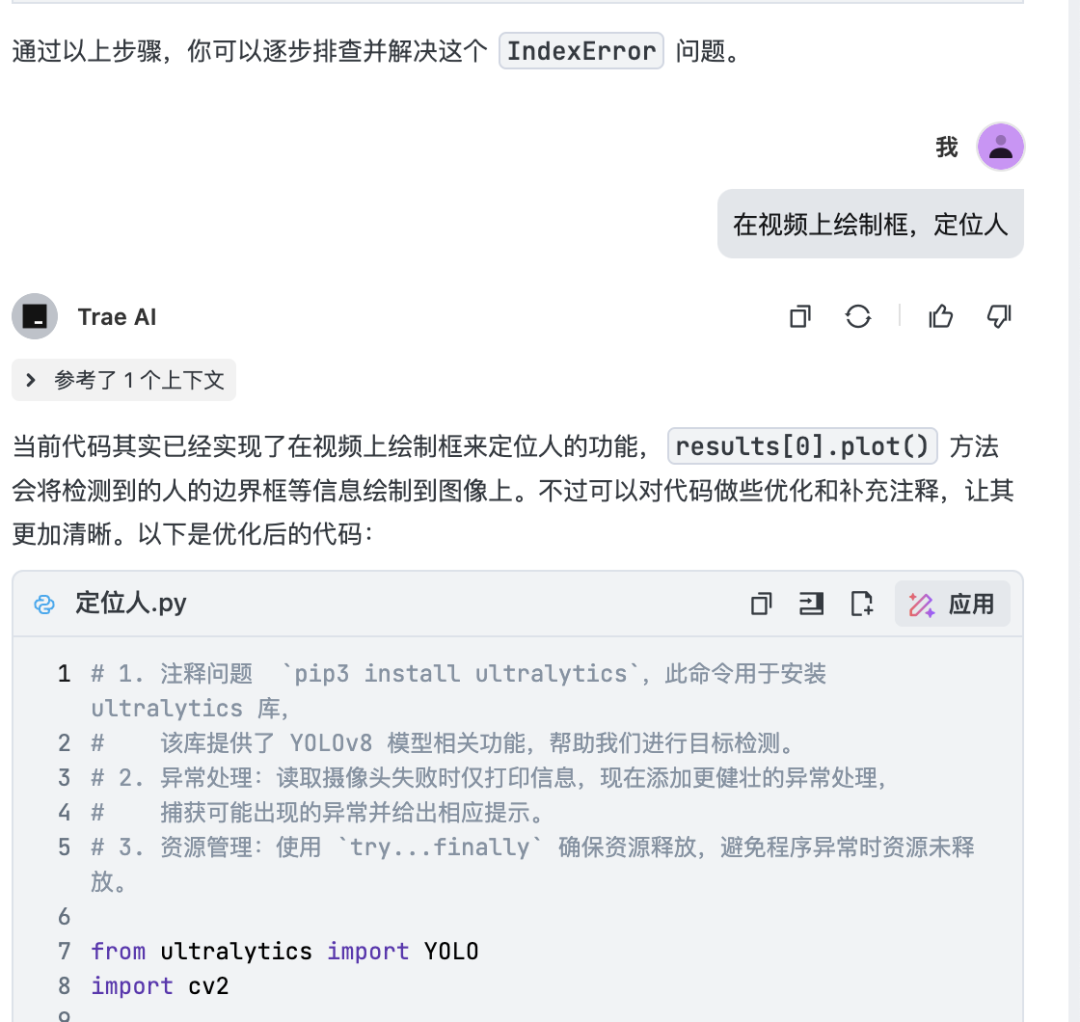
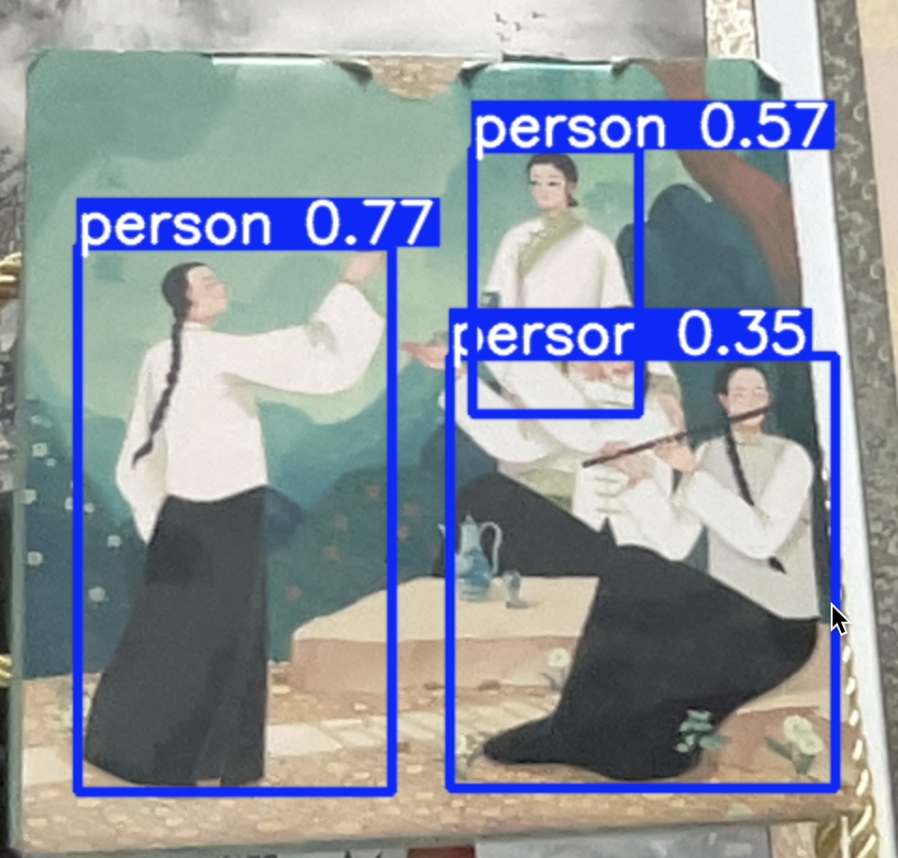
#pip3 install ultralytics`fromultralyticsimportYOLOimportcv2# 加载预训练的 YOLOv8 模型,可从资源存储到相同目录model = YOLO('yolov8n.pt')# 打开摄像头cap = cv2.VideoCapture(0)try: whilecap.isOpened(): try: # 读取摄像头帧 success, frame = cap.read() ifnotsuccess: print("无法读取摄像头画面,可能摄像头未正常连接或被占用。") break # 检查图像是否有效 ifframeisNoneorlen(frame.shape) !=3orframe.shape[2] !=3: print("无效的图像数据,跳过当前帧。") continue # 打印图像信息用于调试 print(f"图像形状:{frame.shape}, 数据类型:{frame.dtype}") # 使用模型进行推理,只检测人(classes=0) results = model(frame, classes=0) # 可视化检测结果,在人周围绘制定位框 annotated_frame = results[0].plot() # 显示带定位框的图像 cv2.imshow('YOLOv8 人体定位', annotated_frame) # 按 'q' 键退出循环 ifcv2.waitKey(1) &0xFF==ord('q'): break exceptExceptionase: print(f"处理帧时发生异常:{e}") continuefinally: # 释放摄像头资源 ifcap: cap.release() # 关闭所有 OpenCV 窗口 cv2.destroyAllWindows()
若转载请说明来源:百香果AI山海。
© 版权声明
文章版权归作者所有,未经允许请勿转载。